Skip to content
Colossyan Video AI tool logo

Colossyan Review

VideoFreemium
Best for: AI video for training & L&D

Colossyan is an AI video platform for creating realistic avatar videos for training, learning, and corporate communication.

4.6(1.7k)
Founded 2020
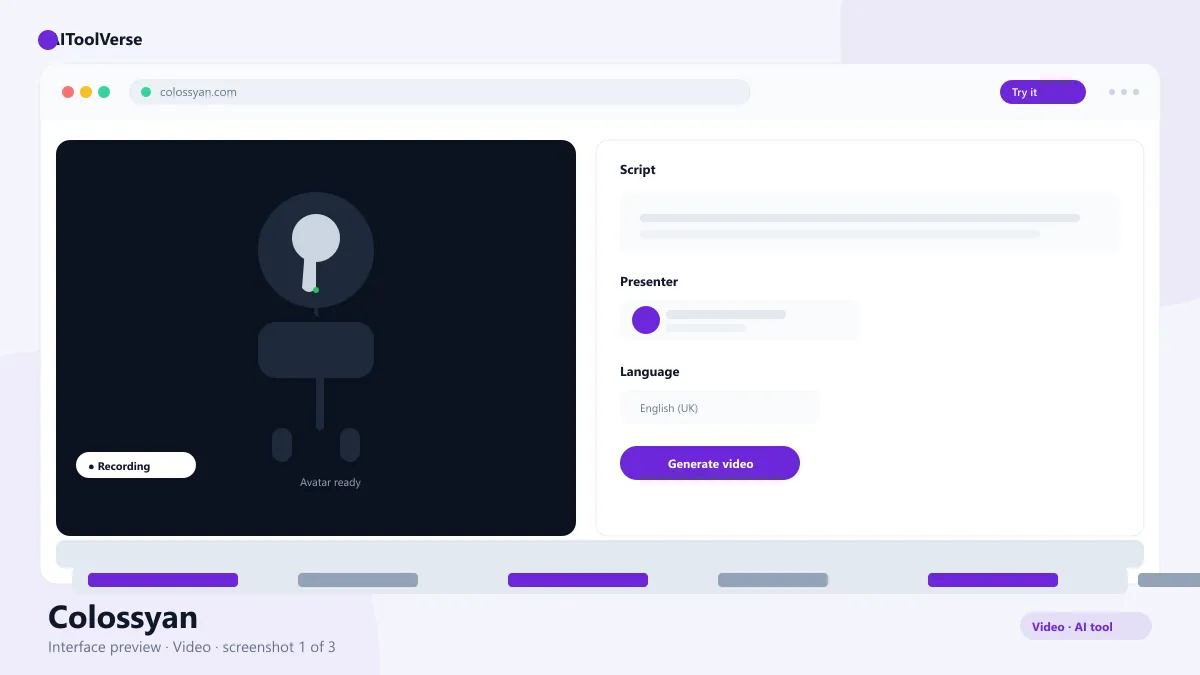
Colossyan AI avatar video generator interface for training

What Is Colossyan?

It is an AI video platform built for corporate learning and communication. You paste a script, pick an AI avatar, and the platform generates a presenter-style video where the avatar speaks your words naturally, with realistic lip sync and gestures.
The product is engineered for L&D teams: video translation into 70+ languages, captioning, interactive elements, and review workflows that make it simple to keep training content fresh. It is less about cinematic filmmaking and more about dependable, professional explainer and training video.
That focus is visible everywhere in the product — from compliance-style templates to the approval flows that let an instructional designer hand off a finished video to a reviewer without emailing files around.

How to Use Colossyan

The script-to-video workflow means most users publish their first video within minutes.
You do not need editing experience. If you can write a script and click generate, you can produce a professional-looking presenter video, then polish the pacing and captions before exporting.
  • Sign up and choose a plan that fits your team
  • Select an AI avatar from the library
  • Paste or type your video script
  • Adjust pacing, add slides, captions, or interactive elements
  • Translate the video into additional languages if needed
  • Preview, export, and share with your team

Colossyan Login & Getting Started

The platform uses standard email signup with a free tier available for evaluation. After login, you land in the video studio where the core workflow — avatar, script, generate — is immediately available.
Teams can add members and set up review flows from the workspace, and the free tier is enough to produce a short watermarked video and judge quality before upgrading.

Colossyan Pricing — Free vs Paid

Pricing is based on minutes of video per month. The free tier includes up to 5 minutes with a watermark, Starter is $19/month for 10 minutes without a watermark, and Pro at $80/month adds more minutes, translation into 70+ languages, and custom avatars. Enterprise pricing is custom.
For most L&D teams the Pro tier is the sweet spot because translation and custom avatars are what separate a corporate video tool from a novelty. Budget for the plan that includes the languages you actually ship in.

Compare Plans & Pricing

Free tier with watermark; Starter $19/mo; Pro $80/mo; Enterprise custom

Free

$0

Try avatar videos with a watermark.

  • Up to 5 minutes of video
  • Watermark on exports
  • Standard avatars
  • Access to templates
Start Free

Starter

$19/mo

For individuals and small teams.

  • 10 minutes of video
  • No watermark
  • HD quality
  • Screen recording
Get Starter
Most Popular

Pro

$80/mo

Best value for L&D teams.

  • More video minutes
  • 70+ language translation
  • Custom avatars
  • Priority support
Get Pro

Key Features

The feature set is designed around the realities of corporate video production.
  • Realistic AI avatars with natural lip sync
  • Translation into 70+ languages
  • Interactive elements for training
  • Captioning and accessibility tools
  • Team review and approval workflows

Colossyan vs Synthesia

It and Synthesia are the two heavyweights in AI avatar video for business, and they are close in capability. Synthesia has the larger avatar library and broader brand recognition. The platform counters with strong interactive training features, straightforward pricing, and rapid translation workflows.
Both are excellent for corporate video; the decision usually comes down to avatar selection, budget, and which editing workflow your L&D team prefers. A free trial on each is the fastest way to settle it.

Pros and Cons

A quick summary of where the platform excels and where it has limits.
The verdict: for corporate learning and development teams, this is one of the most dependable avatar video platforms you can choose. Translation into 70+ languages, interactive elements, and review workflows are exactly what L&D departments need, and the script-to-video flow gets content shipped fast. It is not built for cinematic work, but that is not the job. Try the free tier and a paid trial of Synthesia side by side before committing.

Pros

  • Realistic corporate-ready avatars
  • 70+ language translation
  • Built for training teams
  • Simple script-to-video workflow

Cons

  • Free tier includes watermark
  • Pro plan is pricey for individuals
  • Less suited to cinematic content

Colossyan Alternatives

The tool is one of several strong video platforms in the AIToolVerse directory. Depending on whether you need avatar presenters, cinematic generation, or video editing, these alternatives are worth comparing side by side.
Synthesia AI tool logo

Synthesia

VideoFreemium
Best for: AI avatar explainer videos

AI video generation platform that turns text into studio-quality videos with realistic AI avatars.

4.6(5.4k)
Visit Website
HeyGen AI tool logo

HeyGen

VideoFreemium
Best for: AI avatar videos & translation

AI avatar video platform for creating photorealistic presenter videos, dubbing into 40+ languages, and running interactive Video Agents.

4.5(5.8k)
Visit Website
D-ID AI tool logo

D-ID

VideoFreemium
Best for: Talking avatar videos from a single photo

AI video generator that animates a single photo into a talking avatar with expressive face movements and 100+ languages.

4.4(4.8k)
Visit Website
Runway AI tool logo

Runway

VideoFreemium
Best for: Cinematic video generation

Runway AI is a cloud-based AI video platform for filmmakers and creators, best known for the Gen-3 Alpha model that turns text prompts into hyper-realistic cinematic clips.

4.6(6.7k)
Visit Website
Descript AI tool logo

Descript

VideoFreemium
Best for: Transcript-based video & podcast editing

AI video and podcast editor that lets you edit video by editing the transcript like a doc.

4.7(4.7k)
Visit Website
Sora AI tool logo

Sora

VideoFreemium
Best for: Realistic text-to-video

OpenAI's Sora video generator turns text prompts into realistic clips, and this free Sora AI prompt generator helps you write prompts that produce better footage.

4.4(7.2k)
Visit Website

Best For

Recommended use cases and scenarios where Colossyan shines.

Frequently Asked Questions

Common questions about Colossyan, answered.

Is Colossyan free to use?

Yes. The free tier includes up to 5 minutes of AI avatar video per month with a watermark. Paid plans start at $19/month for watermark-free video.

What is Colossyan used for?

It is used by learning and development teams to create training videos, onboarding materials, compliance updates, and corporate communications with AI avatars.

How does it compare to Synthesia?

Both create realistic AI avatar videos for business. Synthesia has a larger avatar library, while this platform offers strong interactive training features and translation workflows.

Does it support multiple languages?

Yes. The platform translates videos into 70+ languages, which makes it practical for global and multilingual training programs.

Can I use the videos commercially?

Yes, on paid plans. Videos created with the platform can be used for internal training, marketing, and client-facing corporate content, subject to the terms.

Reviews & Ratings

4.6

Based on 1,700 reviews

5
77%
4
13%
3
6%
2
3%
1
1%

Share your experience

Your rating

Loading reviews...

H

Hannah Lee

Reliable and polished. I only wish the advanced features were on lower tiers.

M

Marcus Webb

Very capable tool. A couple of rough edges, but the team ships updates quickly.

E

Elena Petrova

Solid, but the free tier is quite limited. The paid plans are where it shines.

Explore More Video Tools

Browse the full AI Tools Vault directory to compare Colossyan with every video tool, or line up your shortlist side by side.

Similar Tools

More Video tools you might like

Loom AI AI tool logo

Loom AI

VideoFreemium
Best for: Async screen recordings with AI summaries

Async screen recording with built-in AI that writes titles, summaries, chapters, and action items from every recording.

CapCut AI tool logo

CapCut

VideoFreemium
Best for: Free short-form video editing

CapCut is ByteDance's free AI-powered video editor for short-form content, with auto captions, background removal, and a huge template library for TikTok and Reels.

4.6(23.8k)
Visit Website
Pictory AI tool logo

Pictory

VideoPaid
Best for: Turning blog posts & scripts into videos

AI video generator that turns blog posts, scripts, and URLs into narrated videos with stock clips, captions, and AI voices.

4.5(5.5k)
Visit Website

Guides & Articles about Colossyan

Read our detailed reviews and comparisons covering Colossyan