
Kling AI Review: The Most Realistic AI Video Generator
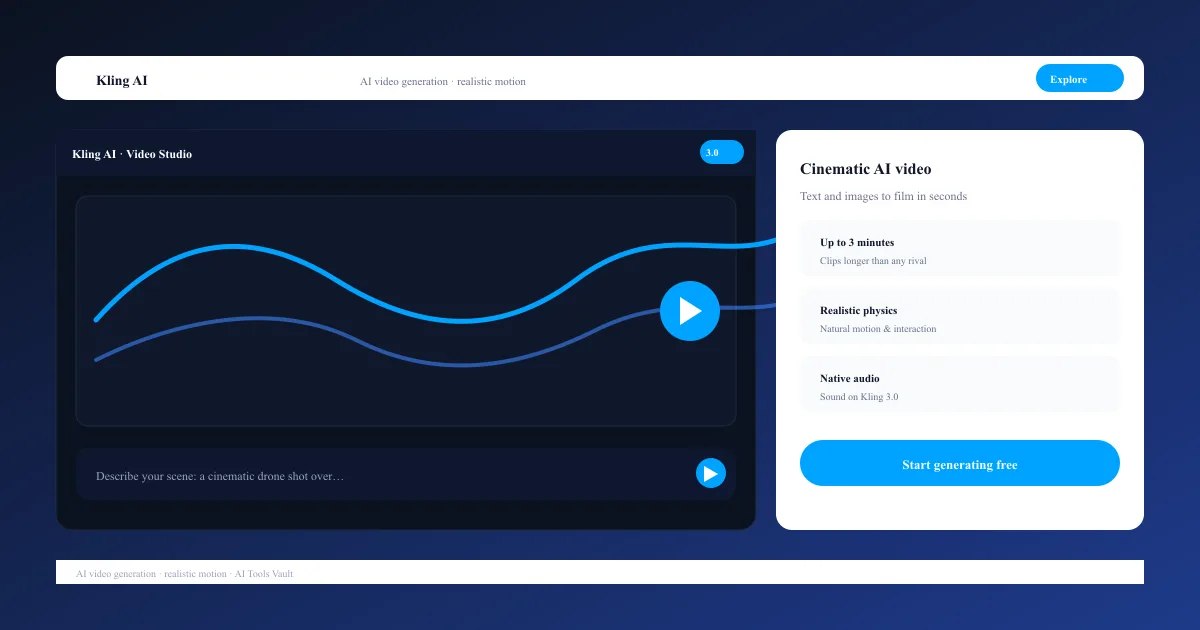
VideoFreemiumKling AI is Kuaishou's AI video generator known for realistic motion and physics, turning text and images into cinematic clips up to three minutes long.

What Is Kling AI and How Does It Work?
Key Features: Motion, Physics & Native Audio
- Text-to-video and image-to-video generation
- Clips up to 3 minutes at up to 4K resolution
- Native audio and sound effects on Kling 3.0
- Motion Control for camera paths and subject movement
- Multi-shot storytelling across connected scenes
- Image generation, upscaling, and video extension
Kling 3.0: The Flagship Model
Kling AI vs Sora
Kling AI Pricing: Plans & Credits
Compare Plans & Pricing
Free (66 credits/day); Standard $6.99/mo (renews ~$8.80); Pro $25.99/mo; Premier $64.99/mo; Ultra $127.99/mo; API from $0.14/unit
Free
66 daily credits to test the workflow.
- 66 credits/day
- 720p watermarked output
- Standard mode
- Non-commercial use
Standard
Commercial rights for solo creators.
- 660 credits/month
- 1080p no watermark
- Commercial use rights
- Kling 2.6 & 3.0 access
Pro
For active creators producing 50+ clips monthly.
- 3,000 credits/month
- All models & resolutions
- Priority queue
- Private mode
Ultra
For studios with daily high-volume generation.
- 26,000 credits/month
- Kling 3.0 early access
- Maximum priority
- Lowest per-credit cost
Pros and Cons
Pros
- Industry-leading realistic motion and physics
- Generous free tier with 66 daily credits
- Commercial rights from the Standard plan
- Text-to-video, image-to-video, and image generation
- Clips up to 3 minutes and 4K output
Cons
- Intro pricing jumps 25% at renewal
- Unused monthly credits expire with no rollover
- Failed generations still consume credits
- Credit system is complex to budget around
Best For
Recommended use cases and scenarios where Kling AI shines.
Frequently Asked Questions
Common questions about Kling AI, answered.
Is Kling AI free to use?
Yes, there is a free tier with 66 credits per day and no credit card required. It is limited to 720p, watermarked, non-commercial output. Paid plans start at $6.99 per month.
How much does it cost?
Standard is $6.99/month (renews ~$8.80), Pro is $25.99/month, Premier is $64.99/month, and Ultra is $127.99/month. Renewal prices run about 25% higher than the intro rate, and annual billing saves roughly 34%.
Can I use the videos commercially?
Yes. Commercial use rights start on the Standard plan at $6.99/month, which undercuts most competitors. The free tier is strictly non-commercial.
How long can the videos be?
Kling supports clips up to 3 minutes long, far beyond the 5-10 second clips most AI video tools produce. Length, resolution, and model choice all affect how many credits a generation costs.
Is Kling AI better than Sora?
Kling wins on realistic human motion, physics, clip length, and price. Sora wins on cinematic prompt understanding and long-scene coherence. Many creators use both for different projects.
Reviews & Ratings
4.7
Based on 12,400 reviews
Loading reviews...
James Okafor
Great value for the price. The learning curve is small and the payoff is big.
Hannah Lee
Reliable and polished. I only wish the advanced features were on lower tiers.
Marcus Webb
Very capable tool. A couple of rough edges, but the team ships updates quickly.
Explore More Video Tools
Browse the full AI Tools Vault directory to compare Kling AI with every video tool, or line up your shortlist side by side.
Similar Tools
More Video tools you might like

Loom AI
Async screen recording with built-in AI that writes titles, summaries, chapters, and action items from every recording.

CapCut
CapCut is ByteDance's free AI-powered video editor for short-form content, with auto captions, background removal, and a huge template library for TikTok and Reels.

Pictory
AI video generator that turns blog posts, scripts, and URLs into narrated videos with stock clips, captions, and AI voices.
Guides & Articles about Kling AI
Read our detailed reviews and comparisons covering Kling AI

