
Veo 3 Review
VideoFreemiumVeo 3 is Google DeepMind's AI video generator with 1080p clips, native audio, and cinematic camera controls.

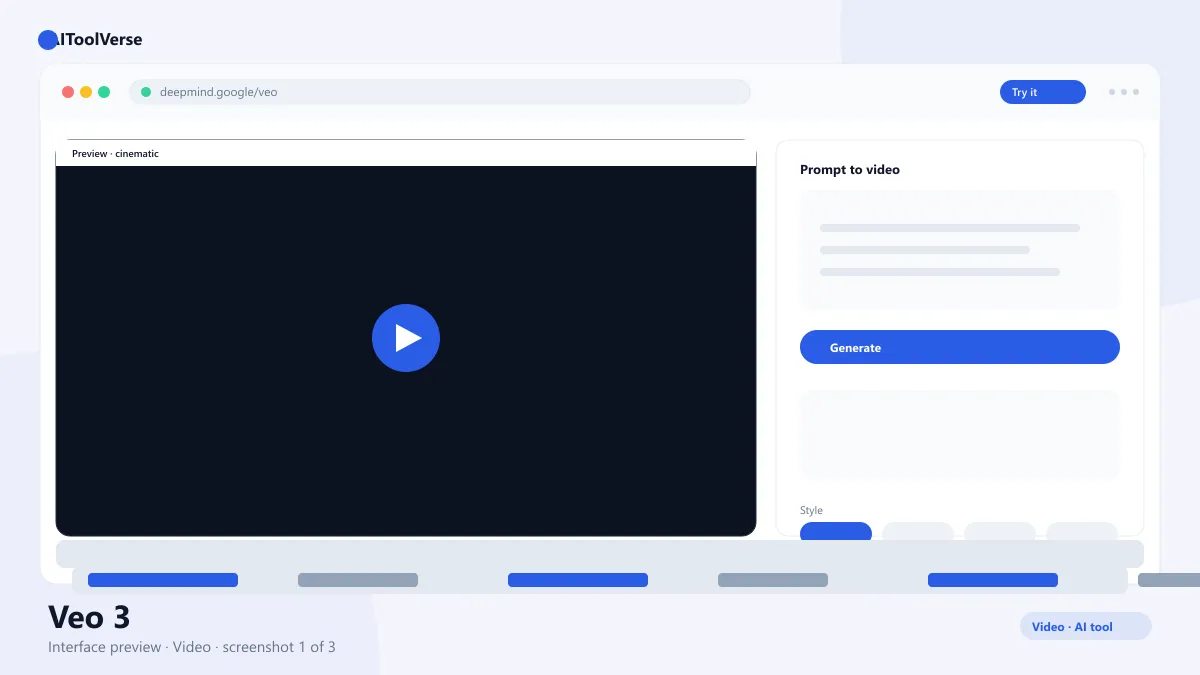
What Is Veo 3?
How to Use Veo 3
- Open Gemini or Google AI Studio and sign in with a Google account
- Choose the video generation option from the model picker
- Write a descriptive prompt: subject, action, style, and camera movement
- Set your aspect ratio and clip length, then generate
- Review the clip and refine with the built-in editing controls
- Export the finished video at your plan's resolution
Veo 3 Login & Getting Started
Veo 3 Pricing — Free vs Paid
Compare Plans & Pricing
Free tier via Gemini and Google AI Studio; Google AI Pro $19.99/mo; Google AI Ultra $249.99/mo
Free
Evaluate the model with a monthly usage cap.
- 1080p video generation
- Native audio
- Limited clip length
- Monthly usage cap
Google AI Pro
Best value for creators and pros.
- Higher generation limits
- 4K resolution
- Longer clips
- Priority processing
Google AI Ultra
For studios and heavy production.
- Highest usage limits
- Fastest generation
- Advanced tools
- Commercial use rights
Key Features
- Text-to-video generation at 1080p, with 4K on paid plans
- Native synchronized audio alongside generated footage
- Cinematic camera controls: pan, orbit, zoom, and focus
- Scene-level editing to fix details inside a generated clip
- Strong physics modeling for realistic motion and object behavior
Veo 3 vs Sora
Pros and Cons
Pros
- Photorealistic 1080p video output
- Native synchronized audio in generated clips
- Strong physics and realistic motion
- Free tier to get started
Cons
- Clip length limits on cheaper plans
- Requires Google account
- Not available in all regions
Veo 3 Alternatives

Sora
OpenAI's Sora video generator turns text prompts into realistic clips, and this free Sora AI prompt generator helps you write prompts that produce better footage.

Runway
Runway AI is a cloud-based AI video platform for filmmakers and creators, best known for the Gen-3 Alpha model that turns text prompts into hyper-realistic cinematic clips.

Pika
Creative AI video generation known for viral effects, Pikaffects, and animation from text, images, and video.

Luma Dream Machine
Luma's Dream Machine turns text and images into cinematic, physically accurate AI videos.

Krea AI
Real-time AI image and video generation with a live canvas, one-click enhance, and upscaling up to 22K.

Higgsfield
An AI video generation platform known for cinematic camera movements — orbit shots, push-ins and crane moves — plus character consistency across clips.

Synthesia
AI video generation platform that turns text into studio-quality videos with realistic AI avatars.

Colossyan
Colossyan is an AI video platform for creating realistic avatar videos for training, learning, and corporate communication.
Best For
Recommended use cases and scenarios where Veo 3 shines.
Frequently Asked Questions
Common questions about Veo 3, answered.
Is Veo 3 free to use?
Yes. The free tier in Gemini and Google AI Studio includes a monthly usage cap for video generation at 1080p. Paid Google AI plans add 4K, longer clips, and higher limits.
How do I get access to the tool?
It is available through Google AI Studio and the Gemini app. Sign in with a Google account, select the video model, and start generating clips from text prompts.
Does it generate audio?
Yes. The model generates native synchronized audio along with the video, including ambient sound and dialogue that matches the on-screen action.
What is the difference between Veo 3 and Sora?
It is Google's video model, bundled with audio, scene editing, and camera controls inside Gemini. Sora is OpenAI's video generator with its own standalone studio app. Both produce high-quality clips; the choice often comes down to ecosystem and workflow.
Can I use generated videos commercially?
Yes, subject to Google's terms. Clips generated with the tool can be used in commercial projects on paid plans, including marketing assets and client work.
Reviews & Ratings
4.7
Based on 3,200 reviews
Loading reviews...
Daniel Kim
The best investment I've made this year. Saves me hours every single week.
Priya Sharma
Fast, intuitive, and the results speak for themselves. Easily worth the subscription.
James Okafor
Great value for the price. The learning curve is small and the payoff is big.
Explore More Video Tools
Browse the full AI Tools Vault directory to compare Veo 3 with every video tool, or line up your shortlist side by side.
Similar Tools
More Video tools you might like

Loom AI
Async screen recording with built-in AI that writes titles, summaries, chapters, and action items from every recording.

CapCut
CapCut is ByteDance's free AI-powered video editor for short-form content, with auto captions, background removal, and a huge template library for TikTok and Reels.

Pictory
AI video generator that turns blog posts, scripts, and URLs into narrated videos with stock clips, captions, and AI voices.
Guides & Articles about Veo 3
Read our detailed reviews and comparisons covering Veo 3

